
Loading…
20 September 2026
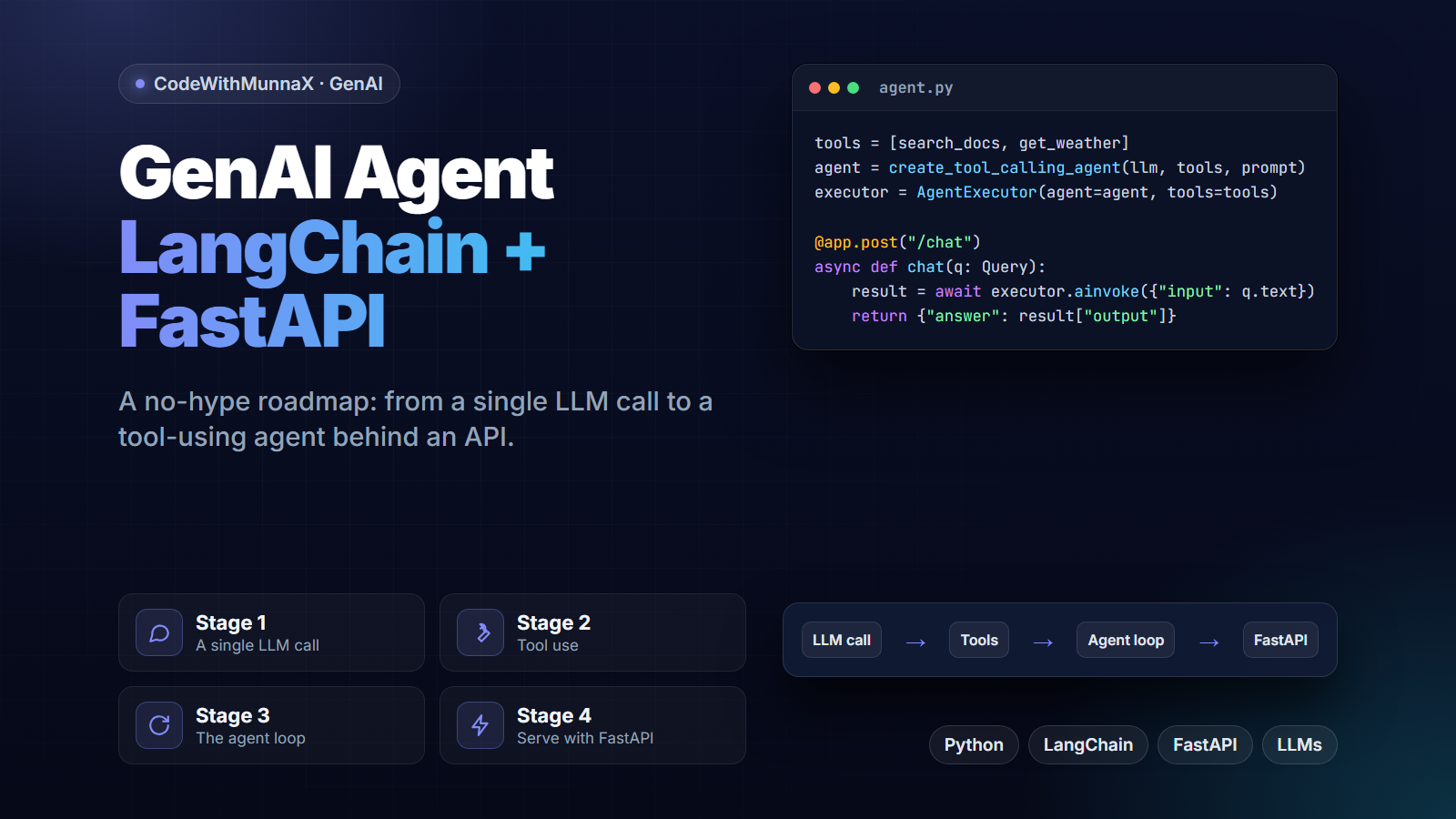
Most people building their first "AI agent" jump straight to multi-step autonomous tool use and get stuck, because that's actually the third or fourth stage of a progression, not the starting point. This is the roadmap I'd give anyone starting from zero: a sequence of stages, each one a genuinely useful checkpoint on its own, not just a step toward the "real" agent at the end.
Before anything resembling an agent, get comfortable with a single, well-structured LLM call — consistent prompting, parsing the response reliably, and handling the model returning something malformed or unexpected. Skipping this stage is the most common reason agent projects feel fragile later: the failure modes at the single-call level don't go away once you add tools and steps, they just get harder to debug.
An agent becomes meaningfully different from a chatbot the moment it can call something outside itself — a search function, a calculator, a database query — and use the result. LangChain's tool-calling abstractions handle the mechanics (formatting the tool schema for the model, parsing which tool it wants and with what arguments), but the actual design work is picking tools with clear, narrow purposes. A tool that "does a bunch of things" is harder for the model to use correctly than three tools that each do one thing well.
This is where it becomes a real agent: instead of one call, one tool, one response, the model reasons about what to do, calls a tool, observes the result, and decides the next step — potentially several times — before producing a final answer. The engineering challenge here isn't the loop itself (LangChain's agent executors handle that), it's bounding it: a loop with no iteration limit and no clear stopping condition can burn API calls indefinitely on a task the model isn't converging toward.
An agent that only runs in a notebook isn't usable by anything else. FastAPI wraps the agent behind a real endpoint, which introduces its own considerations: request timeouts (multi-step agent loops can take a while), streaming intermediate steps back to a frontend so a user isn't staring at a blank loading state for 15 seconds, and error handling for the agent failing mid-loop rather than just the underlying API call failing.
Jumping straight to stage 3 without stage 1 and 2 being solid is exactly why agent projects tend to feel unreliable — the fragility was always in the fundamentals, not in the agent loop itself. Each stage here is worth building and testing on its own before adding the next layer of complexity on top of it.
FAQ
A single, well-structured LLM call — reliable prompting and response parsing — before anything involving tools or multi-step reasoning. Skipping this is the most common cause of fragile agents later.