
Loading…
11 September 2026
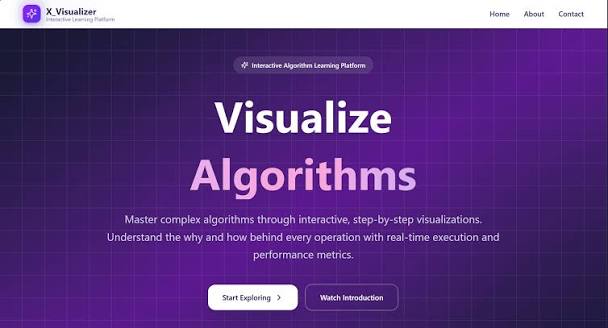
Most DSA explanations are static: a diagram, an array of boxes, an arrow that moves one frame at a time. That works right up until you hit something like AVL rotations or Dijkstra's relaxation step, where the thing that matters is motion over time — and a static diagram just can't carry that.
That's the problem this project set out to solve: a real-time 3D engine that renders 110+ algorithms and data structures as spatial, animated scenes instead of static diagrams, with the actual code executing line-by-line in sync with what you're watching move.
A 2D sorting animation can show bars swapping height. What it can't easily show is structure — how a binary tree's shape changes as you insert, how a graph's connectivity looks from an angle a flat diagram can't give you, how a linked list's pointers actually traverse memory-shaped space rather than a row of boxes. Once you move to trees, graphs, and heaps, spatial depth stops being a nice-to-have and starts being the thing that makes the structure legible at all.
The renderer is built on React Three Fiber on top of Three.js, which lets the visualization stay declarative (components describe the scene) while still getting real WebGL performance for the physics-driven transitions — height-interpolated array bars, elastic node placement in trees, gravity-based stack pushes.
The part that took the most iteration wasn't the 3D rendering — it was keeping the on-screen Python code highlighted in sync with the animation, frame by frame, so a viewer can watch a specific if branch execute at the exact moment the visualization reflects its effect. That meant instrumenting each algorithm's step generator to emit both a state delta (what changed visually) and a source-line pointer on every yield, rather than treating code display and animation as two separate systems that happen to run at the same time.
Because it renders at both a 9:16 aspect ratio and a 16:9 desktop layout, the same engine doubles as the visual backbone for short-form coding reels and full-length YouTube walkthroughs — one codebase, two output formats, instead of maintaining separate animation code for social content and the site.
FAQ
React Three Fiber and Three.js for the 3D rendering, TypeScript for the app layer, and Python for the algorithm step-generation logic that drives each animation frame.